We will now look
into the steps required before loading
any cargo into the container.
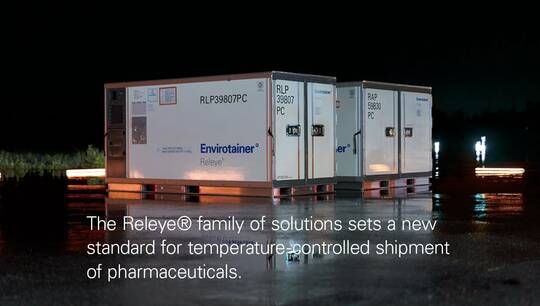
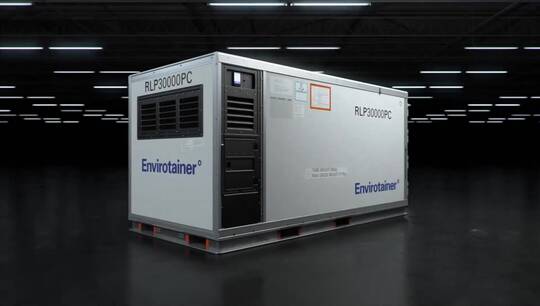
When you approach a container it will
look like this -
all the lights are off and
the display is dark this means that the
container is off.
To activate the screen you simply press
any of the four buttons below the screen.
Here you can see: temperature control off.
If you want to set a temperature you
press this
thermometer button here called container
settings.
Here you can set the temperature
and you can set it to 5 or 20.
When you have done that
the system will ask you whether you want
to start preconditioning now
and now means that you immediately start
the preconditioning.
Or, you can set a timer. The timer is
the time when you want the
preconditioning to be
completed. So if I set three hours
the system will make sure that the
preconditioning is completed in three
hours.
When you return to the shipment overview
screen you will see
this statement "temperature control
preconditioning".
You will also notice that the green
light has started flashing.
When the preconditioning is completed,
this will
go solid.